Guide
Virtual renovation
Restyle finishes and fixtures in an existing room.
Virtual renovation changes the surfaces of a room that is already there — walls, flooring, cabinetry, fixtures — while keeping the room's layout and structure. Agents use it to show a dated property's potential, but it earns its keep just as often for renovation contractors quoting a job, architects showing a finish schedule, and homeowners deciding between two kitchens before anyone orders materials.
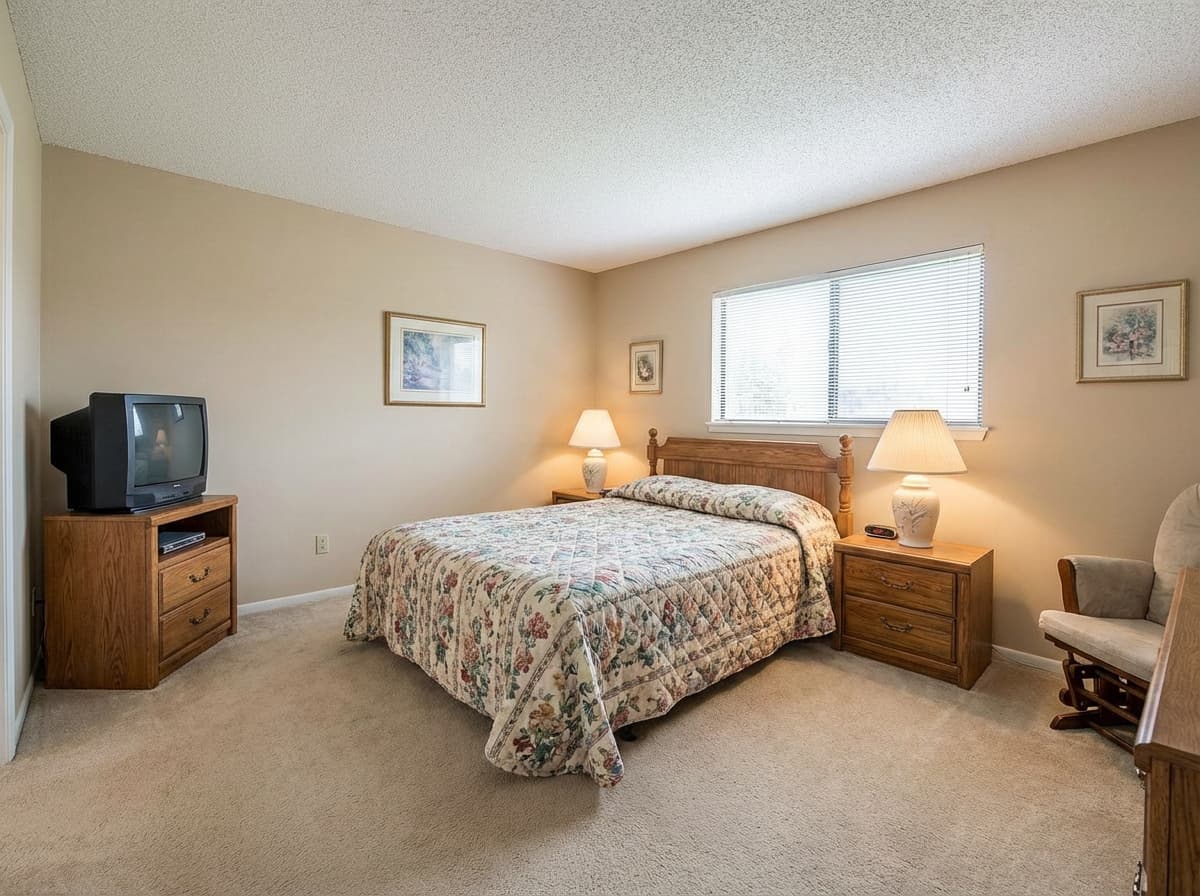
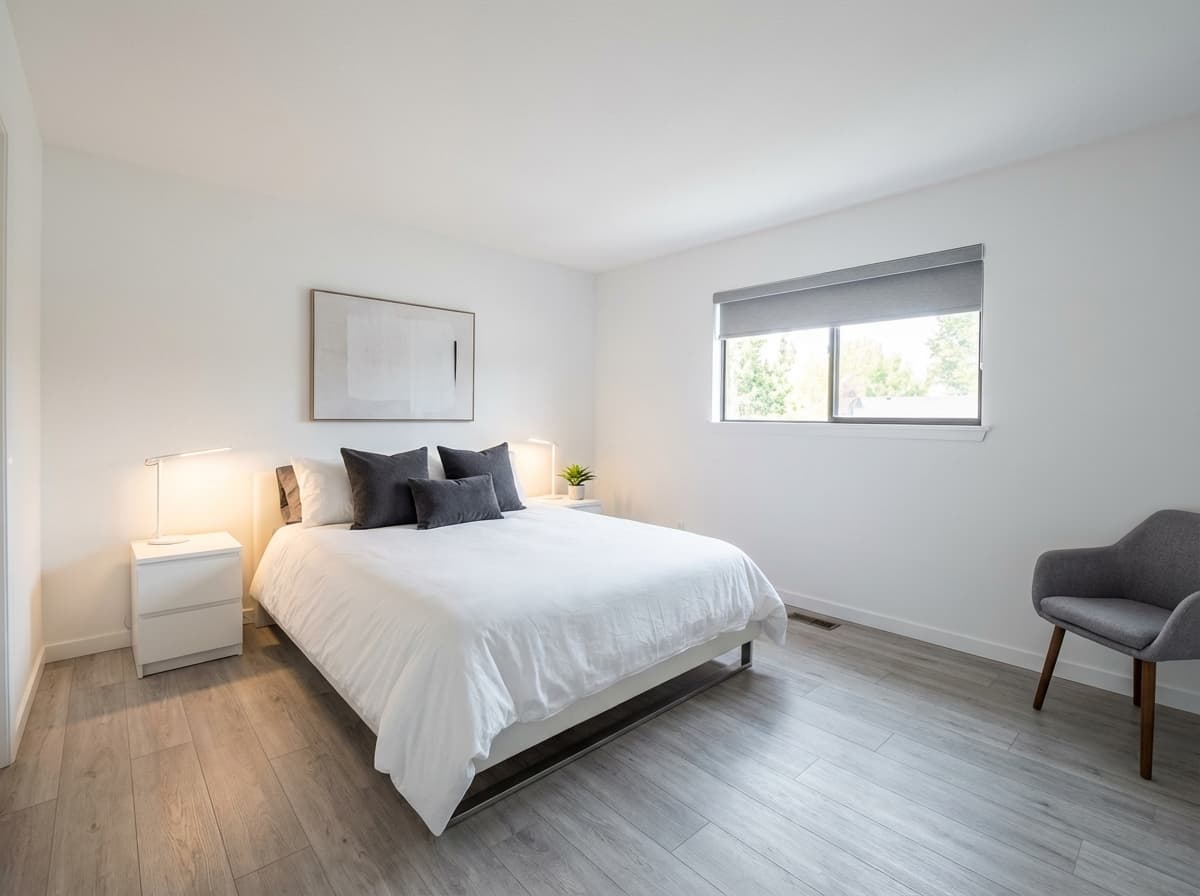
Renovation or staging?
The two tools solve different problems and are easy to confuse:
- Virtual renovation changes the surfaces of a furnished or unfurnished room. Use it when the room exists and the finishes are the problem.
- Virtual staging adds furniture to a room, usually an empty one. Use it when the space is bare.
Staging's restyle mode overlaps a little, but it re-dresses furniture rather than
re-finishing the room itself.
Options
| Option | Type | Values | Default | Required | Description |
|---|---|---|---|---|---|
style | string | moderntraditionalfarmhousescandinavianmid-century-moderncoastalindustrialluxuryminimalistbohemian | modern | optional | |
roomType | string | living-roombedroomkitchendining-roombathroomhome-officekids-roomstudio | living-room | optional |
Both options have defaults, so a request with no options at all renders a modern
living-room. Set roomType when the photo is of anything else — it is what stops a bathroom
being renovated as if it were a lounge.
Example
{
  "tool": "virtual-renovation",
  "image_url": "https://example.com/dated-kitchen.jpg",
  "options": {
    "style": "scandinavian",
    "roomType": "kitchen"
  }
}
Next steps
- Tools — every tool, what it costs, and the common options.
- Quickstart — send this request end to end.