Guide
Virtual staging
Furnish an empty room in a chosen style. Requires the style option.
Virtual staging furnishes an empty room: it reads the geometry and light in your photo, then places plausible furniture in the style you ask for. Listing agents use it to show what a bare property could look like, but the same call serves interior designers pitching a concept, property managers advertising a vacancy, and furniture retailers putting a catalogue into a real room.
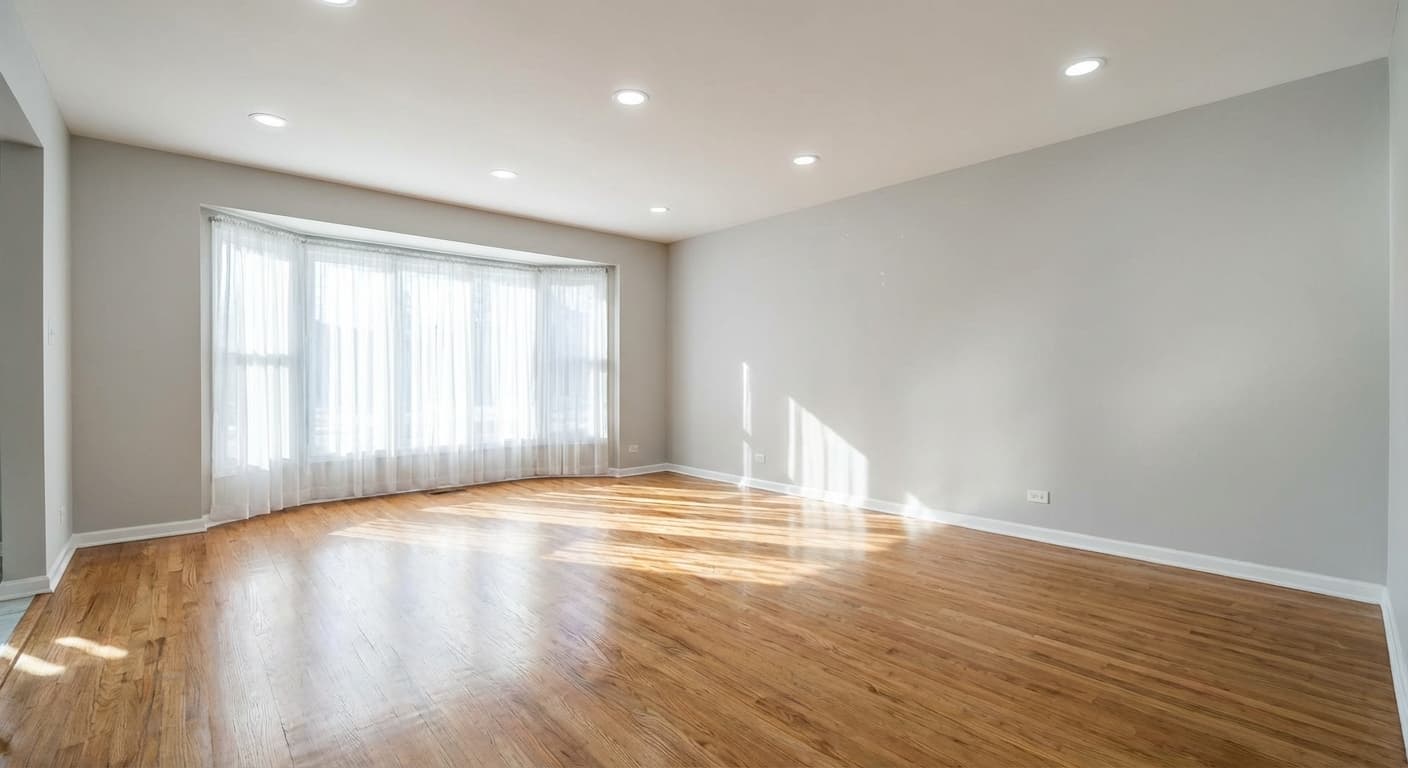
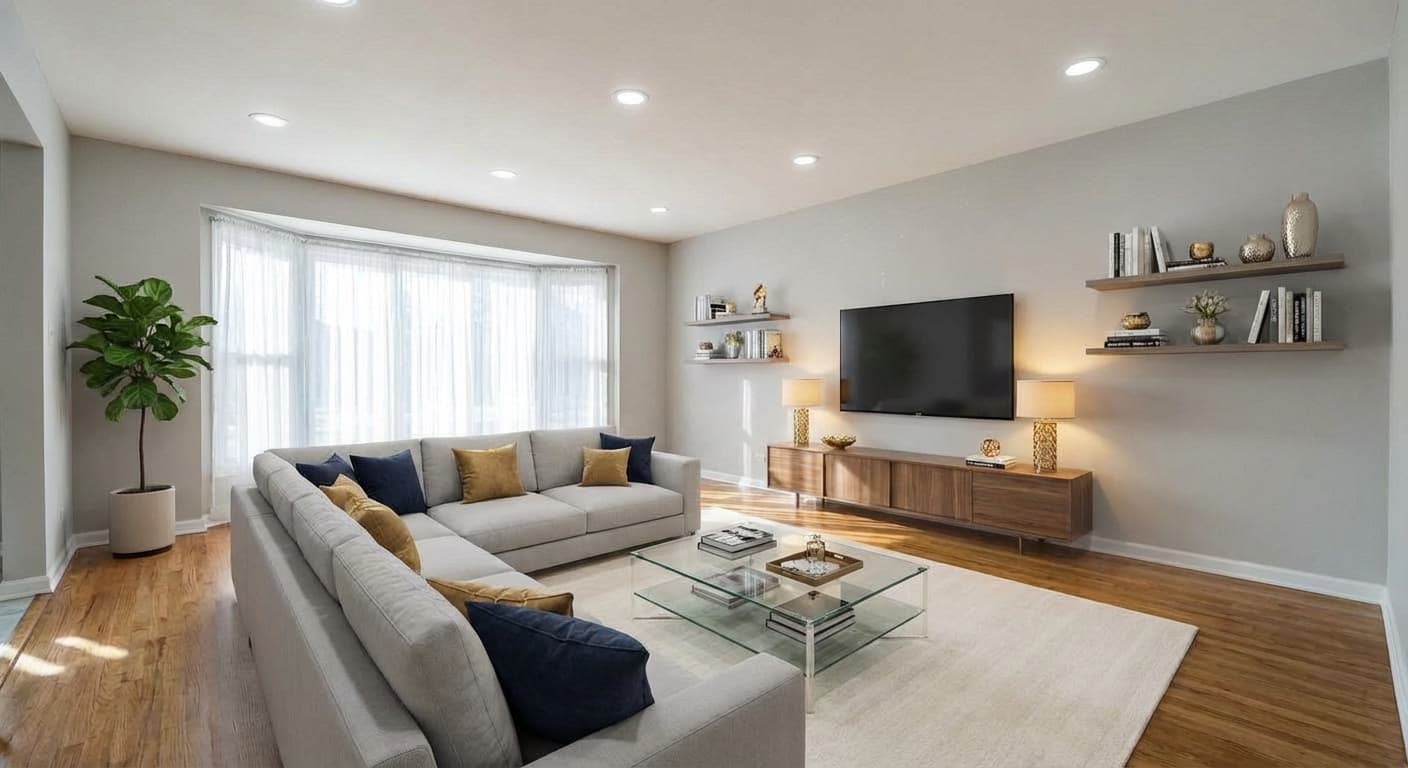
Options
| Option | Type | Values | Default | Required | Description |
|---|---|---|---|---|---|
style | string | modernscandinavianindustrialtraditionalminimalistbohemianmid-century-moderncoastalfarmhouseluxuryjapandiart-decomediterraneancustom | — | required | Required. |
roomType | string | living-roombedroomkitchendining-roombathroomhome-officekids-roomstudiohallwayentrywaylaundrydressing-roomgaragebalconyterrace | — | optional | Helps the model place plausible furniture. Inferred from the photo when omitted. |
mode | string | empty-roomrestylerecreate | empty-room | optional |
|
furnitureMode | string | aimanual | ai | optional | With |
furniture | string | — | — | optional | Comma-separated pieces to place, e.g. "sectional sofa, floor lamp, rug". |
changeWalls | boolean | — | false | optional | Allow repainting or re-finishing the walls. |
changeFloor | boolean | — | false | optional | Allow replacing the flooring. |
Example
{
  "tool": "virtual-staging",
  "image_url": "https://example.com/empty-living-room.jpg",
  "options": {
    "style": "scandinavian",
    "roomType": "living-room",
    "mode": "empty-room"
  }
}
style is required
This is the one tool with a mandatory option. A staging request without style is rejected
with invalid_request.
Pick a named style from the table above, or send custom to let the model use its own
judgement instead of a named look — useful when the room already has a strong character you
do not want to fight.
What mode does
mode decides what happens to what is already in the photo:
empty-room(default) — furnish a bare room.restyle— re-dress a room that is already furnished, keeping its purpose.recreate— rebuild the space as a different kind of room.
All three report tool: virtual-staging on the job.
Choosing the furniture yourself
furnitureMode defaults to ai, which lets the model decide what belongs in the room. Set it
to manual and list the pieces you want in furniture as a comma-separated string, for
example "sectional sofa, floor lamp, rug".
changeWalls and changeFloor are both false by default, so the room's existing finishes
are preserved. Turn them on to let the model repaint walls or replace flooring as part of the
staging.
The common options do not apply here
Virtual staging runs a multi-step pipeline rather than a tool handler. It always renders at
2K, has no tier or customPrompt path, and rejects any key outside its own list — including
resolution, tier and customPrompt — with invalid_request. Sending them is an error,
not a no-op, which is the opposite of how every other tool treats an unknown key.
Next steps
- Tools — every tool, what it costs, and the common options.
- Quickstart — send this request end to end.